










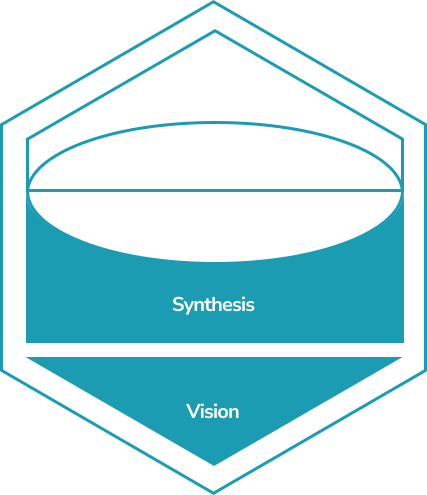
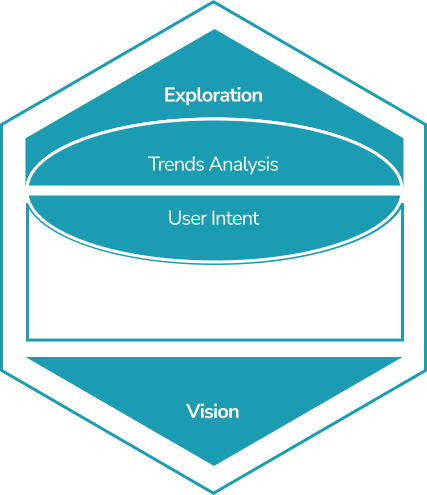
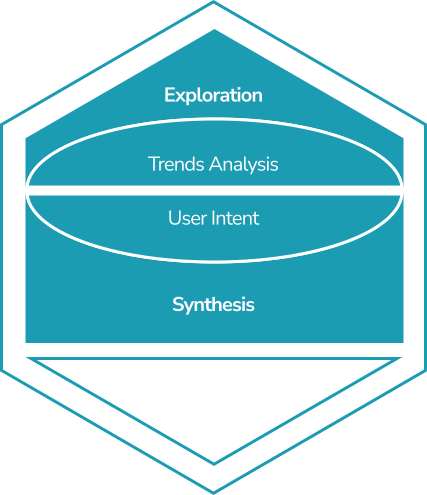
01Investigative: Observe patterns, question assumptions.
Anticipate
What is emerging, and what does it mean for users?
21 tools your design and product team fills in and shares: scan what is changing around your product, imagine how it could go wrong, and decide how much your AI does on its own.
Free: one framework project. No card.
Most AI waits for you to ask. A blank prompt box assumes people already know what to ask, and when. That puts all the work on the person it was meant to help.
The user has to know what to ask.
The product helps at the right moment.
Each tool is a short working session: you fill it in and download the result. 21 are ready and 7 more are on the way. Use them in any order. Turn a card over to see what you get and which tools make it work better. Nothing is ever locked.
What is emerging, and what does it mean for users?
What forces are shaping the future?
Describe the AI product you are designing, once.
Trace what the user wants, the workflow that serves it and the algorithm underneath.
Scan the five outside forces shaping your product: social, technological, economic, environmental and political.
The same scan with a sixth force, Legal, for data protection, liability and discrimination.
Write the three jobs your user hires the product to do.
Sort your signals by how far away they are: 0 to 2 years, 2 to 5, and 5 or more.
Pressure-test your signals with domain experts to find the blind spots you can't see from inside the team.
Map what users say, think, do and feel, to understand their mental models before you design.
Decide task by task where the AI acts for the user and where it backs their own judgement.
What patterns emerge?
Group your signals into themes, then pick the two you are least sure about.
Map your user as a person in a situation, across five stages of readiness.
What futures are you designing for?
Write the future you are designing toward, and the future the design must prevent.
Start from your 5-year future and work back to what must be true at 3 years, 18 months, 6 months and 30 days.
Ask a group of experts to rate statements about your product in private, then see how the group answered.
Agree the principles you will not trade away, then anticipate what could go wrong and for whom.
What futures are possible, and how do we design for them?
What could go wrong in each world?
Combine your two uncertainties into four possible futures and name each one.
Pick the future that most challenges your product and find three ways the system could fail there.
Write the actual message the user sees for each failure mode.
What path connects the future to today?
Write one day in your user's life some years from now, then the day if the design fails.
How does the system learn, decide, and explain?
Design how the system learns from what people do.
Set when the system acts on its own, when it asks first and when it steps back.
Decide what the system is rewarded for, and how it explains itself.
How do we make it real, and keep it relevant?
Who's in control, and when?
Set how much the system does on its own, from full human control to full system control, for data and for AI output.
For each failure mode, decide what the user sees and how they get back in control.
How do we build trust?
Plot where your system sits and whether users will trust it too much or too little.
Match how much the system explains to the stakes of the decision.
How do we keep it relevant?
Plan how you will know the system is still helping, over months and not just at launch.
Test your first Backcasting action in each of your four futures.
Stop arguing over AI behaviour in Slack threads. Write each decision down in one place, then send the result to your team.
Each tool asks for one part at a time, so nobody starts from an empty template.
Write down when the system acts, when it asks first, and when it stays silent.
Download a tool's result as text, or as CSV for the Backcasting map. Or email it to your team.
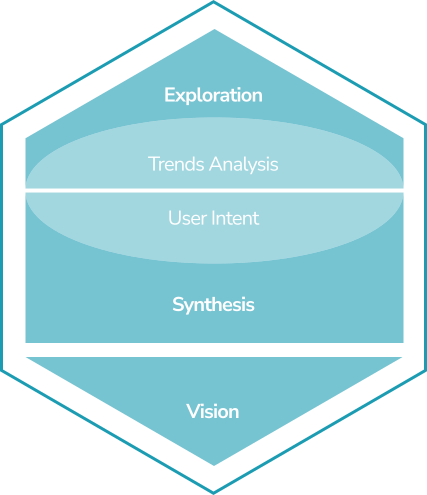
Every tool belongs to one of three phases. Read a playbook for the full method, or open a tool in the workspace.
Forecasting predicts. Foresight prepares. Anticipation acts.
01Investigative: Observe patterns, question assumptions.
What is emerging, and what does it mean for users?
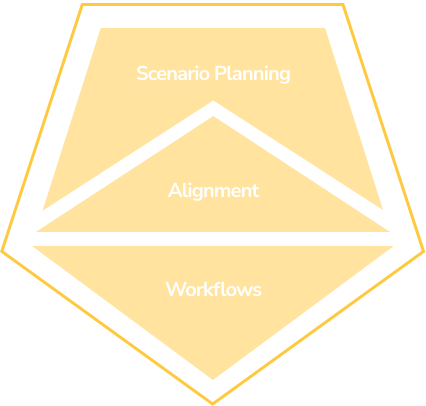
02Speculative: Envision alternatives, embrace ambiguity.
What futures are possible, and how do we design for them?
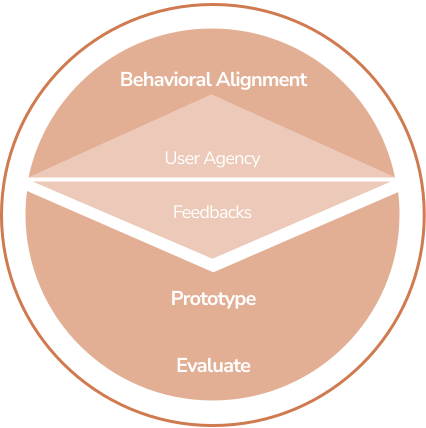
03Iterative: Test, refine, and remain open to feedback.
How do we make it real, and keep it relevant?
Pick the situation closest to yours. Each one points to three tools and what you walk away with.
Start with
You get
A written future to design toward, and a first action for the next 30 days.
Start with
You get
What users really hire it for, and what the product should do alone, ask about, or leave alone.
Start with
You get
An autonomy level for each action, your main trust risk named before launch, and a recovery path for each failure.
The Anticipate, Imagine and Shape framework is drawn directly from The Anticipatory Design Playbook (CRC Press), not a trend deck.
Rooted in doctoral research on anticipatory systems. Applied in complex enterprise AI.
It's sharpest on probabilistic, adaptive systems: anywhere the product acts on its own initiative. But the method (model intent, design behaviour, shape the UI) applies to any product that wants to anticipate rather than react. Traditional software gets most of its value from the Anticipate phase; AI-native products use all three.
The playbooks (/framework/anticipate, /imagine, and /shape) are the open methodology: the theory, activities, and templates, free to read. The guided workspace is where your team applies them to a real project: the same phases as interactive tools, with your inputs saved, structured, and exportable.
That's the whole job of the Imagine and Shape phases. You calibrate confidence thresholds so the system only acts when it's sure enough, design fallback paths for when it isn't, and set an autonomy level matched to the stakes, with override controls that keep the user in charge. Proactivity without agency is what created Clippy; the framework designs the agency back in.
Not directly. Each tool downloads as a text file, and the Backcasting map also downloads as CSV. You can email any export to your team, or paste what you need into Jira or Notion. There is no direct Figma, Notion or Jira integration yet.
More questions? See the full FAQ →
Pick a tool, fill it in, and send the result to your team. Free to start, no card required.
Free: one framework project. Pro: unlimited projects and the AI coach. See plans →